
Your library.
Every screen.
Your server.
Turn any home server into your own streaming service. Your movies, shows and music — organized automatically and played on every device. No cloud, no subscription.
# pull and run on your own server
docker run -d --name nestream \
  -p 8080:8080 \
  -v /srv/media:/media \
  -v nestream-config:/config \
  nestream/server:latest

→ open http://your-server:8080 to finish setup
Everything a streaming service does — on hardware you control.
Point Nestream at your folders and it does the rest: artwork, seasons, resume points and smooth playback to every device.
Stream anywhere
At home over your network, or securely from anywhere. Apps for TV, mobile and the browser stay in sync.
Organized automatically
Metadata, posters and descriptions fetched for you. Movies, series and music in clean collections.
Hardware transcoding
Transcodes on the fly using your GPU, so anything plays on any device and any connection.
Upload from the browser
Drag and drop media onto your server from the web — no file managers, no SSH.
A library made for your living room.
Posters, continue-watching and instant search — the same on the TV, the phone and the browser.
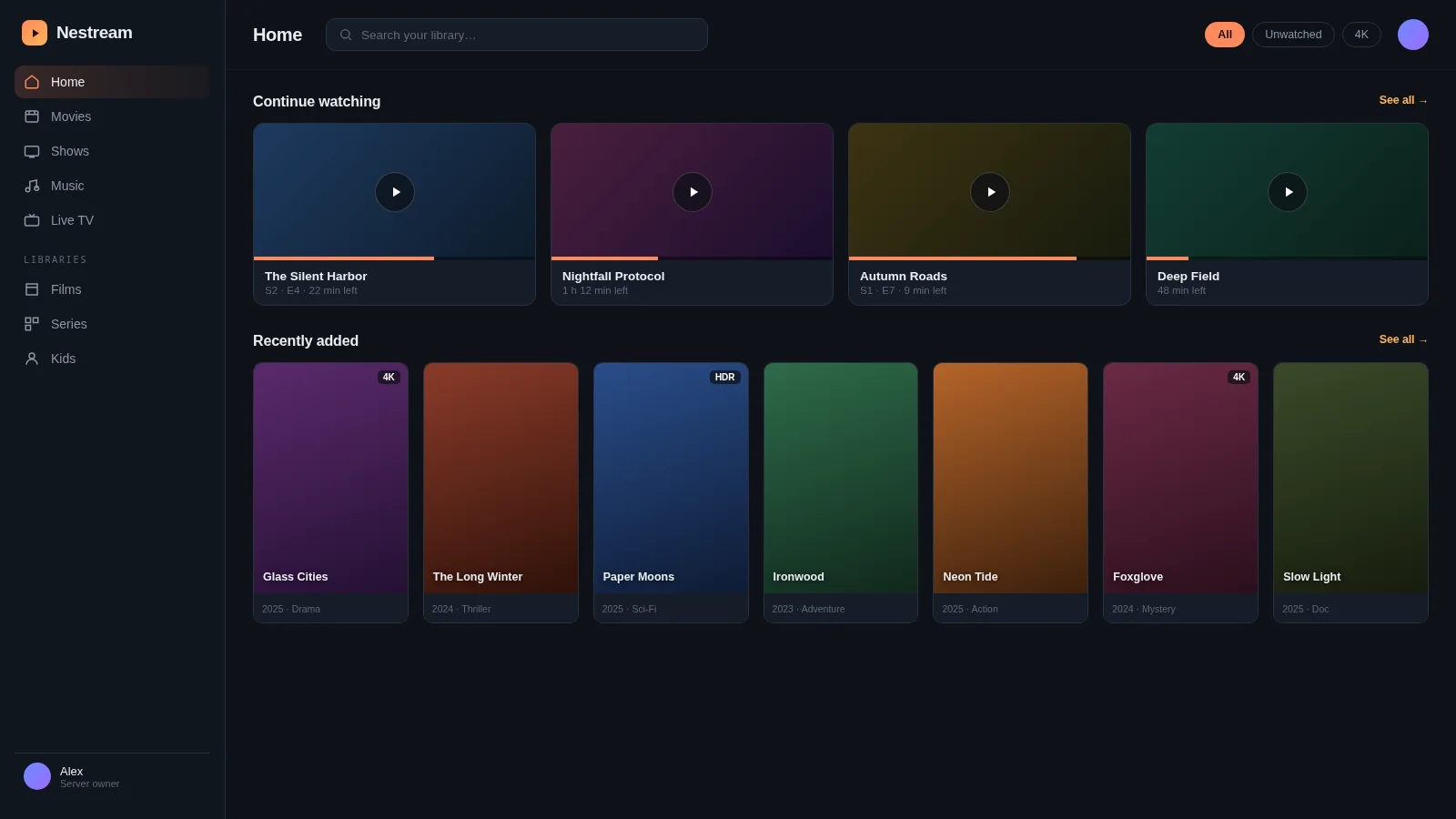
Nestream web app — Home
Up and running in three steps.
Install on your server
One Docker command on any always-on machine — a laptop, a NAS, a home server.
Add your media
Point it at your folders or upload through the browser. It scans and organizes automatically.
Sign in and stream
Open the app on any device, sign in, and your whole library is there.
Every film and show you own, on one wall.
Artwork fetched and matched automatically — your library looks like any streaming service, except it’s yours.
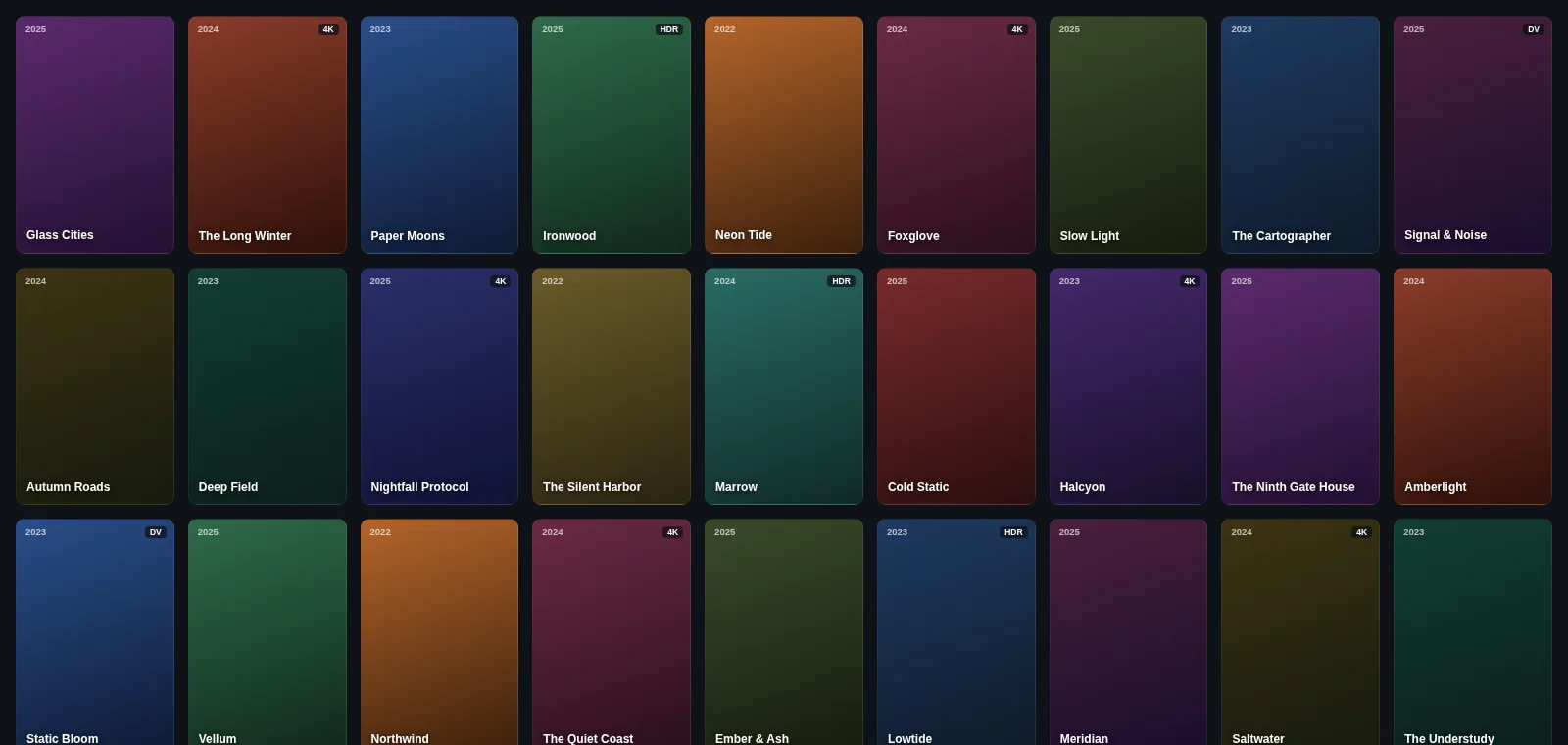
2,148 titles · 63 collections
Movies, series, music and photos — sorted and ready across the house.
From folder to playing on the TV — in a minute.
A quick look at adding a library, browsing posters and starting playback on another screen.
Own your media. Stream it your way.
Free and open source. Set up your home server in minutes and never pay a subscription.